
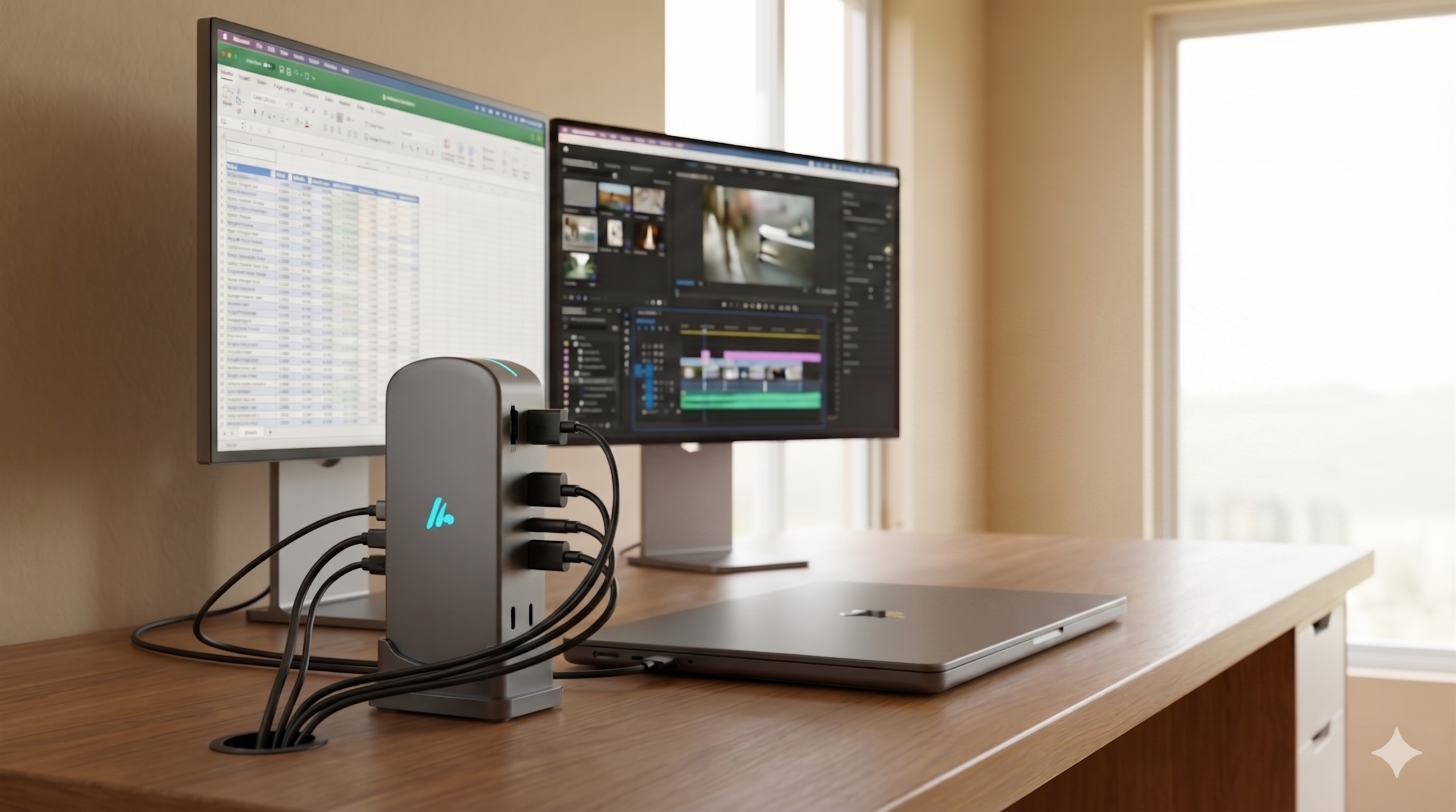
Best Budget Docking Station for Hybrid Work and Gaming
Nowadays, professionals don't work only from a cubicle. People’s technology requirements have significantly evolved. People are living a multi-faceted lifestyle to manage which they need technological gear that keeps adapting as fast as required. Professionals require efficiency and gamers require performance when configuring the right home office setup in the USA. Finding the best budget-friendly docking station is crucial for hybrid work and gaming. Let’s learn how a docking station works for the hybrid grind and why Wozoyo docking stations’ curated collection can help in upgrading your desktop.
The Hybrid Setup - Work vs Gaming
A docking station of the best remote work essentials. The laptops people use for remote work are getting thinner than ever. With their excellent portability, they have compromised vital ports such as traditional USB-A slots, Ethernet, and HDMI. Everyone requires stability for working at home. You should connect your webcam, keyboard, and mouse for good video conference experiences and a minimum of one external monitor to maintain sanity when multitasking. The demands keep changing for gaming. Now, it’s no longer about peripheral frameworks but only about bandwidth.
You require a high refresh rate pass-through so the gameplay goes smoothly. Plus, you need low-latency data transfers for mechanical keyboard and gaming Mouses, and trusted power delivery so the device doesn't drain its battery midway. Buying different hubs for gaming and work can be a logistical mishap. A strong and singular budget docking station fixes this issue by working as the central nervous system of the full desk setup.
Why USB-C is the Universal Standard for Hybrid Work and Gaming
Compatibility matters the most when looking for the best USB-C docking stations. USB-C and Thunderbolt technologies have evolved the process of transmitting power and data. A single cable plugged into your laptop can charge your output videos, device, multiple 4K screens, and link you to a hardwired online connection.
USB-C is the common denominator for hybrid employees who use a corporate Dell Latitude or MacBook, however shift to a Steam Deck, an ASUS ROG Ally, or a gaming laptop by night. A good budget dock doesn't consider the OS you are running and only efficiently delivers data.
Factors to Consider When Buying a Budget Docking Station for Hybrid Work and Gaming
Check these features below when buying the Wozoyo docking station collection to get the most value for your money.
1. Video Output
Hybrid work - Dual monitors (1080p or 4K at 30Hz/60Hz for spreadsheets
Gaming - High refresh rates (120Hz/144Hz at 1080p/2K)
USP - A minimum of one HDMI 2.0 port supporting 4K@60Hz
2. Power Delivery (PD)
Hybrid work - 60 to 85W that can keep ultra books charged the entire day
Gaming - 85 to 100W that prevents battery drain in massive GPU loads
USP - 87 to 100W PD pass-through.
3. Data Ports
Hybrid - USB-A for legacy webcams and keyboards
Gaming - USB 3.0 or USB-C 10Gbps for fast external SSD loading times
USP - A combination of 2× USB 3.0 and 1× USB-C data ports
4. Networking
Hybrid - Stable connection for Teams/Zoom calls
Gaming - very low ping and no wireless interference
USP - Gigabit Ethernet port (1000Mbps)
Save Money and Maximize Value With Budget Docking Stations
The prices of the budget docking stations vary from $40 to $90. In this price range, you can consider these options below for hybrid work and gaming:
1. The Multi-Display Productivity Powerhouse
Find docking stations with features like dual HDMI/extra DisplayPort for those who want to have a home office setup in the USA. Two monitors expanded by the side of your laptop screen changed the way you work. You can keep the communication channels such as Email and Slack on a single screen, your key project on the second screen, and reference materials on the third screen. Once your work finishes, the dual-screen real estate converts into a gaming and streaming world. You can play RPG on the main screen and keep Discord open on the other screen.
2. The Compact Desk-Shield Dock
A massive desktop dock is not practical if your hybrid schedule requires travelling 2 to 3 days a week to your office. You should have an aluminium alloy and compact hub that slips smoothly into your backpack. The portable USB-C hubs feature two USB 3.0 ports, PD, and 4K HDMI that work as a portable command center. They occupy no space on the hybrid desk but pack sufficient punch to link the keyboard and gaming mouse when you return home.
How a Budget Docking Station Upgrades Gaming
People don't require an expensive proprietary gaming dock for high-quality gaming. The budget-friendly best USB-C docking stations are extremely capable of doing that. A USB-C dock is a gateway to big-screen gaming if you are a normal gamer or handheld enthusiast (Lenovo Legion Go, Nintendo Switch, or Steam Deck). You can quickly convert your handheld console to a home console by connecting it to a budget cock.
A Gigabit Ethernet port is a non-negotiable remote work essential that works more effectively than a gaming savior. Wifi not working properly on a client call or during a thrilling online game can be embarrassing. A budget docking station with a dedicated RJ45 port ensures that users always enjoy the maximum speed offered by the internet provider, which saves ping times and boosts large game download sizes.
How a Budget Docking Station Can Streamline Aesthetics and Work
A cluttered desk can mess up your mind. Your focus gets distracted when your workspace gets untidy with tangled cords, dangling adapter dongles, and charging bricks. You can get a “one cable setup” by investing in a streamlined docking station from a reputable retailer like Wozoyo. Your laptop can start charging immediately and the mechanical keyboard can glow when walking towards your desk, plugging a USB-C cable into your device, and seeing your monitors lit up. It builds a psychological boundary by locking you in once the laptop is plugged in. You can freely roam when it is unplugged.
The Bottomline
Getting an excellent workspace that can manage both your office and domestic chores should not burn a hole in your pocket. You can buy a budget docking station at the best price by checking key features such as 4K video capability, high-wattage power delivery, and 4K video features. Are you ready to upgrade your desktop framework from a messy web of wires to a sleek powerhouse? Browse the available budget docking stations in the Wozoyo docking station collection. With the right choice, you can boost your hybrid workflow and protect framework rates.